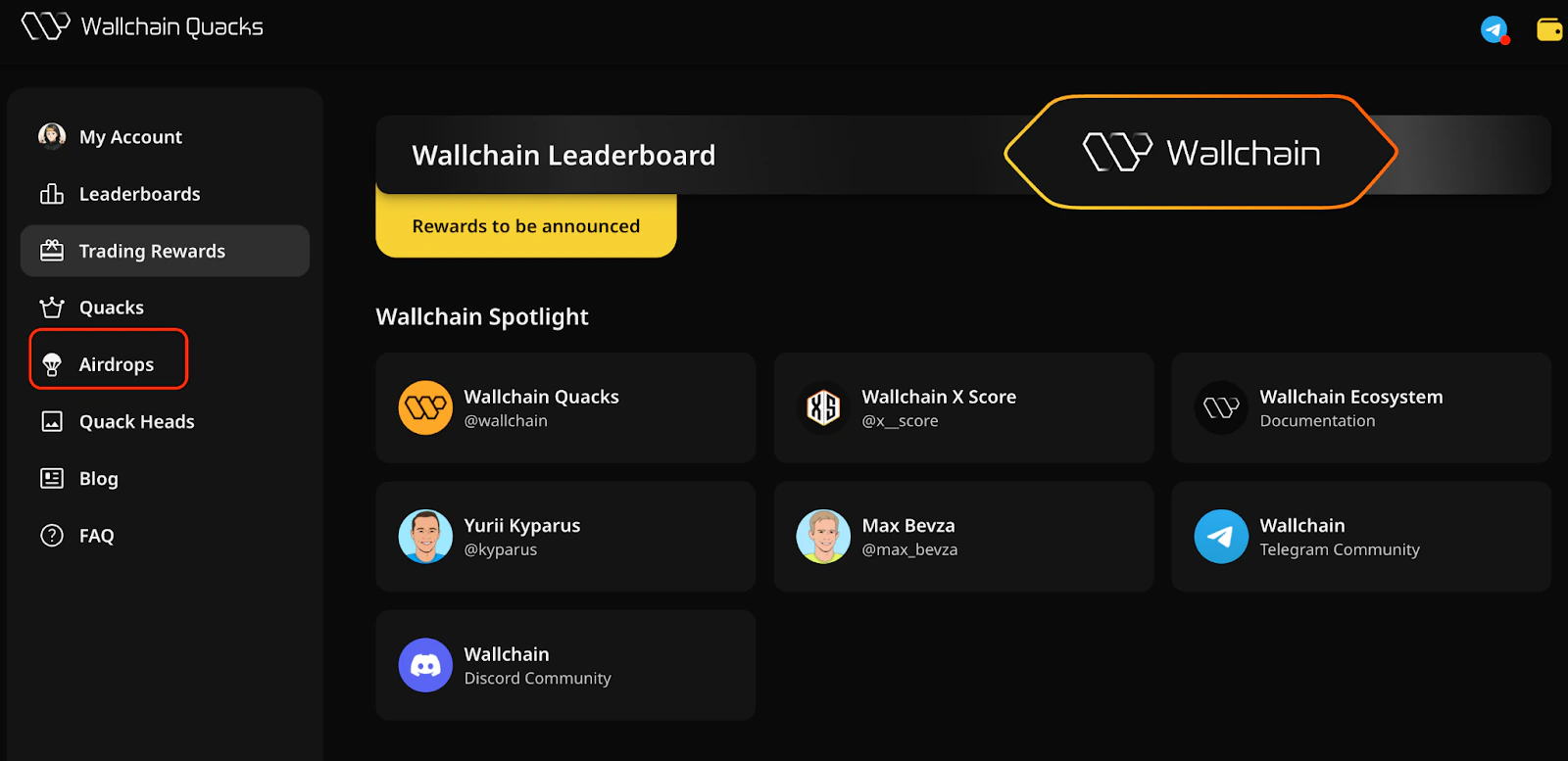
Some campaigns run through Wallchain distribute partner rewards via a dedicated Claim Portal, a non-custodial interface powered by Clique, a platform for secure private distribution. This page explains how claims work, what deadlines apply, and what you need to do before a campaign ends.
1

How Claiming Works

When a campaign concludes and the campaign snapshot is finalized, eligible wallets are included in a distribution contract deployed by Wallchain’s infrastructure partners. You can claim your rewards directly at claim.wallchain.xyz. Rewards are claimable in the token specified by the campaign, typically the partner project’s native token or stablecoins. Gas fees for the claim transaction are covered by the user and depend on the network (e.g., $ETH on Base).

Claim Window

You have 30 days from the claim start date to claim your rewards. Unclaimed rewards are not redistributed to other participants and cannot be recovered after the window closes. No exceptions.

Wallet Eligibility & Address Record

Eligibility is determined at the moment of the specific campaign snapshot (the last epoch snapshot), when Wallchain closes the current epoch and finalizes the list of campaign participants. This snapshot captures who participated and which wallet address they added for rewards. It is not a separate wallet verification step — if your address was added before the epoch closed, it is automatically included.
  • The wallet address specified by the user in the Rewards section on the Wallchain app is the only address eligible to claim.
  • It is not possible to add or change your wallet address after the snapshot has been taken.
  • It is not possible to reassign rewards to a different address after the claim portal opens.
If you used a wallet you no longer control, or submitted an incorrect address before the snapshot, unfortunately, those rewards cannot be recovered. This is a hard constraint of the underlying smart contract architecture. Wallchain does not have admin access to override individual data and allocations once the contract is deployed.

Before the Snapshot: How to Set Your Claim Wallet

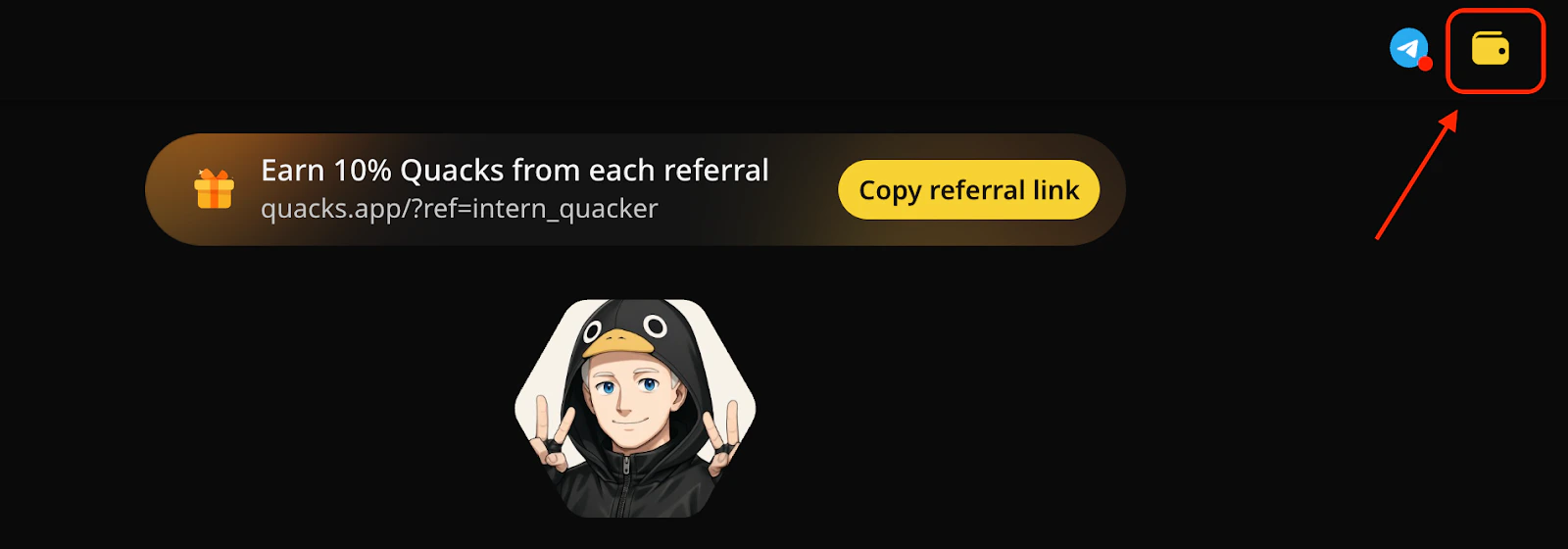
To provide your reward address, open the Wallchain app, sign in to your account, and tap the wallet icon in the top-right corner.
2
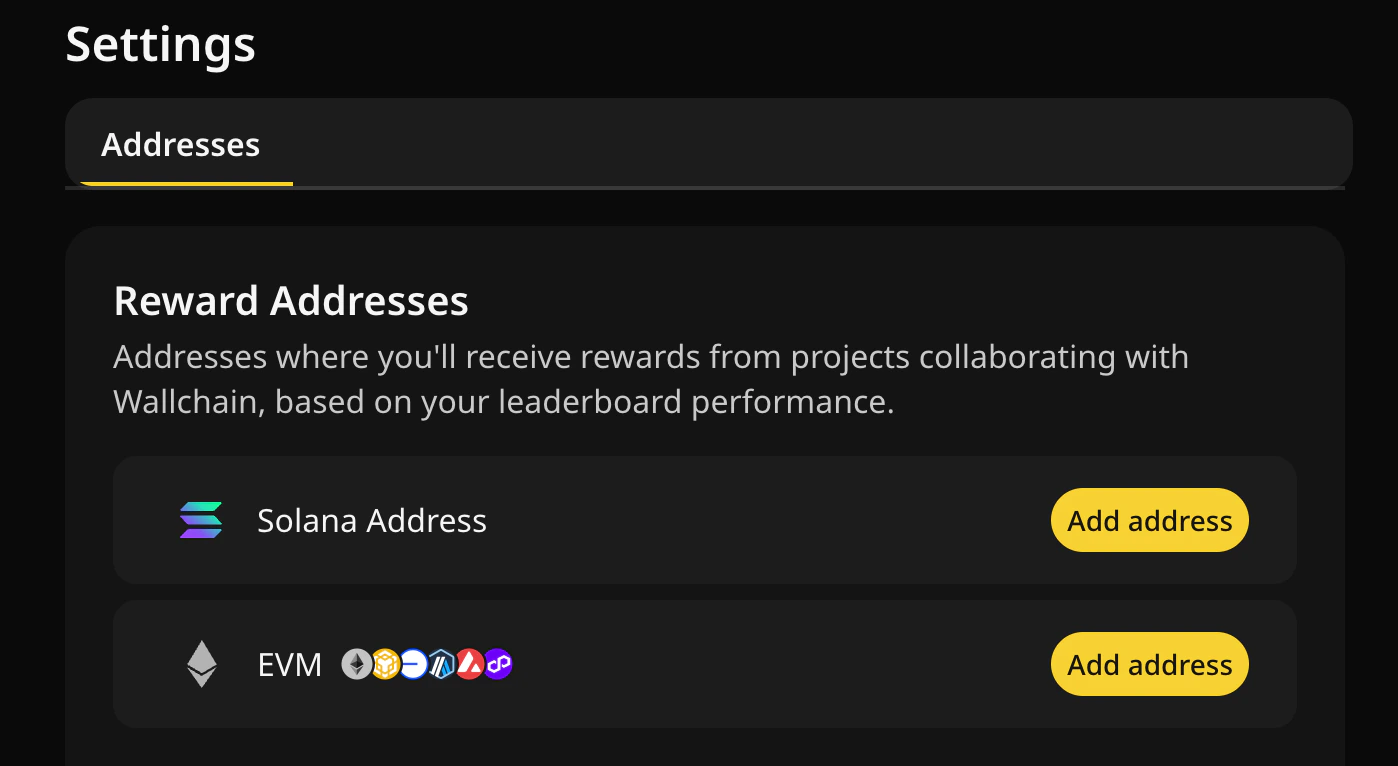
Add your reward addresses for the EVM and Solana networks here. We highly recommend having a separate wallet for rewards and using it only for claiming, without connecting it to any other apps. Don’t use CEX or any other custodial wallet addresses here
3
Make sure your address is correct before the snapshot deadline. This is the only window during which changes are possible.

Supported Wallets

Clique-powered distribution portals support all major web3 non-custodial wallets, including MetaMask, Rabby, Coinbase Wallet, Phantom, and others. Make sure you are connecting to the exact wallet address that was recorded at snapshot time.

Frequently Asked Questions

Can I claim on behalf of another wallet? No. The claim transaction must be signed by the wallet address recorded at snapshot time. What happens if I miss the 30-day window? The claim page for a specific campaign will be disabled. Wallchain cannot intervene after the contract’s claim window has expired. I submitted the wrong wallet address before the snapshot. What can I do? If the snapshot has not yet been taken, you can edit your address on the same page you added it. If you need any help, contact our support team on Discord immediately. Once the snapshot is finalized, address changes are not possible. The claim portal shows zero allocation for my wallet. What’s wrong? Double-check that you’re connected with the exact address linked to your profile as your reward address. If you believe there’s an error, contact our support team on Discord with your wallet address and campaign name within the 30-day claim window. Which network do I need to claim on and have gas on? It depends on a specific campaign and is typically announced in our social media channels before the claim.

Contact & Support

For claim-related issues, submit a Discord ticket before the 30-day window expires. We cannot process retroactive claims after the contract closes.